Convert PDF to Excel
Choose the Lifetime plan and get a professional version on your desktop for FREE!
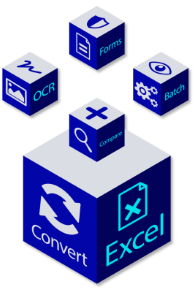
If you use PDF to Excel converter for your business, use a professional version. It is a more convenient solution.
Why do you need a desktop PDF to Excel converter for your business?
Improve formatting speed
You can control the look of your tabular data by tailoring the Excel row and column layout. Customize table structures before converting them to Excel.
Be more efficient at data analysis
Merge your PDF files and have all the data together. Split large PDFs into multiple different documents. Collect and extract data in a few clicks.
Keep sensitive data protected
Redact confidential PDF data before the conversion to Excel even starts. Make sure your classified information is blacked out.
Save time with conversion templates
Use templates to save your conversion settings for recurring documents. Next time you need to convert a PDF with similar table structures, you won’t need to waste time on customization.
Always on, no internet required
You don't need to worry about internet access anymore. Our desktop PDF converter is fully functional offline.
Selective conversion options
Don’t need to convert the whole PDF file? You can extract the desired page range, a single page, or even a specific table.
See how other businesses take advantage of our technology